

Setting Face Match Thresholds: Balancing False Accepts and False Rejects in Biometric Verification
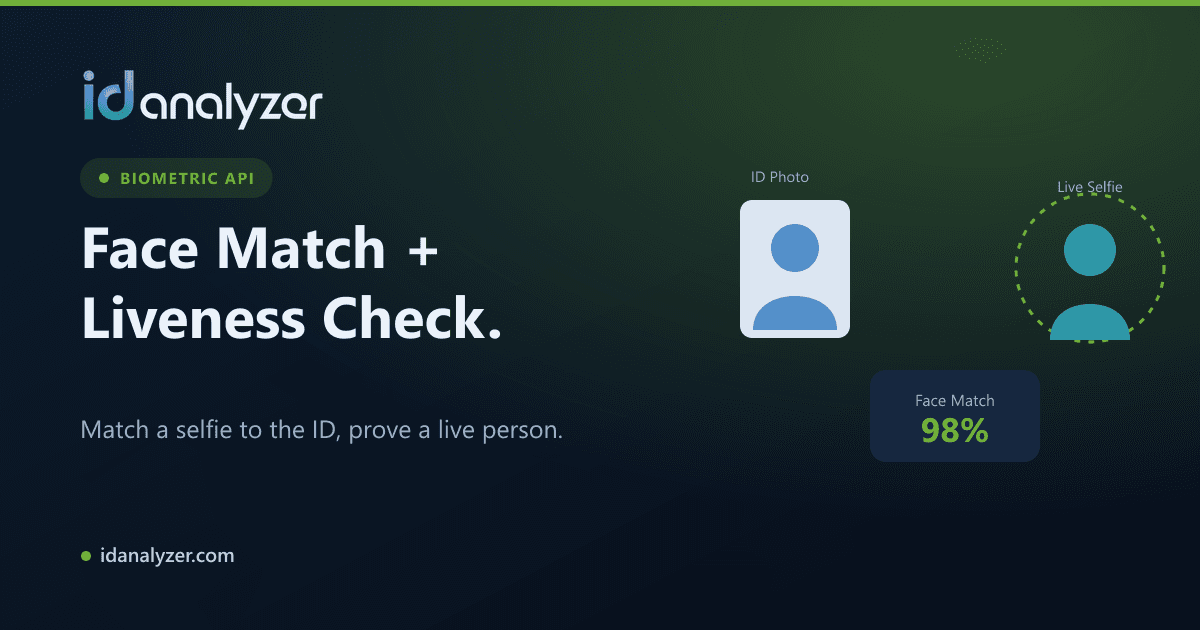
Every biometric face match ends with a number. That number, a similarity score between a selfie and the photo on an ID document, means nothing until you decide where to draw the line. Set the line too low and impostors get through. Set it too high and real customers get turned away.
This post covers how to choose that line, how to test it against your own traffic, and how to keep it working once you are in production.
What a Face Match Score Actually Represents
A face match engine compares facial features from two images and returns a confidence or similarity score. A higher score means the two faces are more likely to be the same person.
The score is not a yes/no answer. It is a probability-like signal that your application converts into a decision. The threshold is the score above which you treat two faces as a match.
The two errors you are trading off
- False accept (false match): two different people are scored above your threshold, and an impostor passes.
- False reject (false non-match): the same person is scored below your threshold, and a genuine user fails.
These errors move in opposite directions. Raising the threshold reduces false accepts but increases false rejects. Lowering it does the reverse. No threshold eliminates both, so the job is choosing which error you can better afford.
Start From Risk, Not From a Default
The right threshold depends on what a mistake costs in your context.
When false accepts are expensive
High-value financial onboarding, account recovery and high-limit transactions are places where letting an impostor through causes direct loss or regulatory exposure. Here you should lean toward a stricter threshold and accept that some genuine users will need a second step.
When false rejects are expensive
Low-risk sign-ups, age gates for lower-value purchases or repeat logins for known users can tolerate a looser threshold. Rejecting a real customer here mostly costs conversion and support time.
Write the decision down
Before touching any numbers, document the following:
- What happens when a match fails (retry, manual review, hard decline).
- What an undetected impostor could do in your product.
- Which regulatory or internal policy requirements apply.
This becomes the basis for your threshold and the evidence compliance teams will want later.
Use Bands, Not a Single Cutoff
A single pass/fail line forces every borderline case into the wrong bucket half the time. Most mature implementations use three bands instead:
- Auto-approve: scores comfortably above your match threshold.
- Review: scores in an uncertain middle range, routed to a human reviewer or a step-up check.
- Auto-reject: scores clearly below the threshold, with a prompt to retry.
The review band lets you keep a strict auto-approve threshold without rejecting genuine users outright. Its width is a business decision. A wider band catches more edge cases but costs more reviewer time.
Tip
Tune your review band using reviewer outcomes. If reviewers approve nearly everything in the band, your auto-approve threshold may be stricter than necessary. If they reject a meaningful share, the band is earning its keep.
Calibrate Against Your Own Data
Vendor guidance is a starting point. Your users, devices and documents are specific to you, so validate on your own traffic.
Build a labeled sample
Collect a set of verification attempts where you know the true outcome, either confirmed through manual review or through downstream signals such as confirmed fraud cases. Include both genuine pairs and known impostor or mismatched pairs.
Plot the trade-off
Run the sample at several candidate thresholds and record false accept and false reject counts at each. You will see the curve where tightening the threshold starts rejecting far more genuine users for little added security. That point often guides where to place your auto-approve line.
Segment the results
Look at error rates broken down by document type, issuing country, capture device and image conditions. A threshold that works well for recent passport photos may behave differently for older licenses with small or worn portraits. If one segment fails disproportionately, fix capture quality or routing before lowering the threshold for everyone.
Image Quality Moves the Score More Than You Think
Many false rejects are not biometric problems. They are capture problems:
- Glare or reflections on the document portrait
- Low resolution or heavy compression
- Poor lighting, motion blur or partial faces in the selfie
- Significant time between the document photo and today
Improve capture first. Guided capture with real-time feedback, clear lighting instructions and automatic retakes usually reduce false rejects more than relaxing your threshold, and without weakening security.
A Threshold Alone Is Not Fraud Protection
Face match answers one question: do these two faces look like the same person? It does not tell you whether the selfie came from a live person or whether the document is genuine.
Pair face match with:
- Liveness detection to confirm the selfie is from a live person present at capture, not a photo, screen replay or mask.
- Document authentication to check that the ID itself shows no signs of tampering, photo substitution or forgery.
- Data consistency checks between OCR-extracted fields, the MRZ or barcode, and user-entered information.
A well-tuned threshold on a fake document still produces a confident match. Layered checks are what close that gap.
Keep Thresholds Under Change Control
Treat your threshold as a security configuration, not a constant.
- Version it. Record each change, the reason, and who approved it.
- Monitor it. Track pass, review and reject rates over time. Sudden shifts can signal a new device, a UI change, a model update or an emerging attack pattern.
- Re-validate periodically. Re-run your labeled sample after major product changes or engine updates.
- Log scores, not just outcomes. Storing the raw score alongside the decision lets you re-analyze history if you adjust thresholds later. Apply your data retention policy to this data as you would any biometric record.
Putting It Together
A practical workflow looks like this:
- Define the cost of each error type for each flow.
- Start with recommended defaults and a three-band design.
- Validate on a labeled sample from your own traffic, segmented by document and device.
- Fix capture quality issues before loosening thresholds.
- Combine face match with liveness and document authentication.
- Monitor, version and re-validate on a schedule.
Thresholds are never set once and forgotten. With the right process, they become a lever you can adjust confidently as risk and traffic change.