

How Fake IDs Are Detected: Template Matching and Forensics

Fraudsters have gotten good. Printed overlays, swapped photos, edited PDFs, and full template forgeries are no longer rare events — they are the baseline threat any KYC pipeline has to handle. The good news is that genuine documents are built to be hard to copy, and a layered detection system can spot the gaps that forgers leave behind.
This post breaks down the two pillars of automated fake ID detection: template matching and document forensics. Both run on the same captured image, and both contribute signals to a final authenticity decision.
Template matching: does this document exist?
Every government-issued ID follows a published design. A German passport, a California driver's license, and a Singaporean NRIC each have a fixed layout, fixed fonts, fixed field positions, and a fixed set of security features. Template matching is the process of identifying which document a user submitted and then checking whether it conforms to the known specification for that template.
Classification first
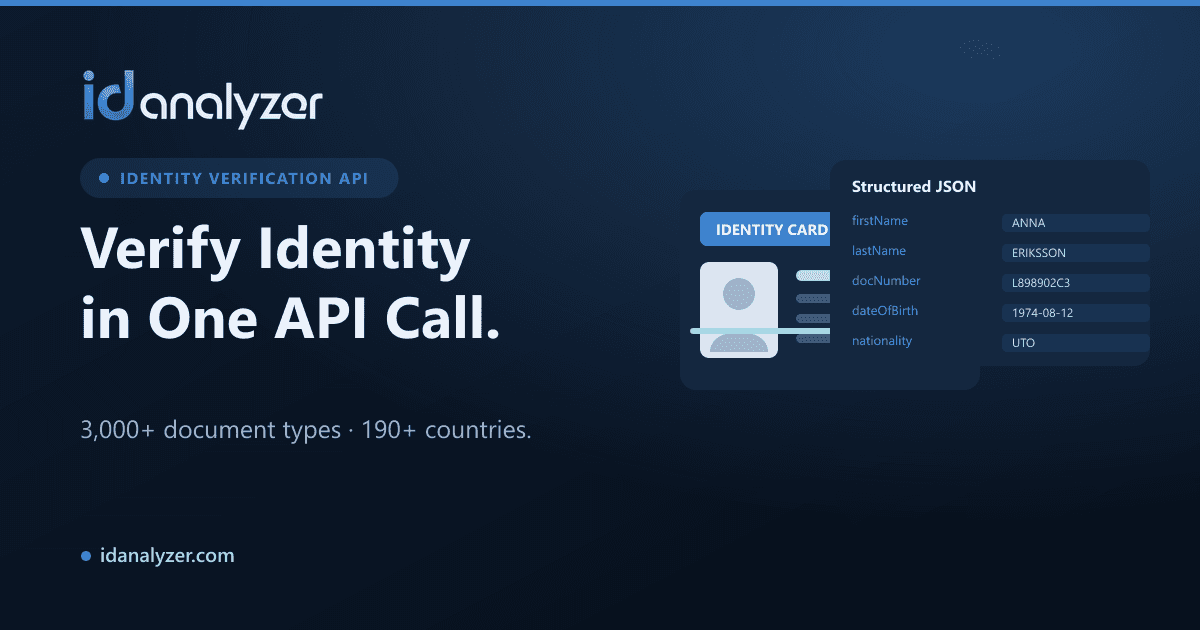
Before you can validate a document, you have to know what it is. The system matches the captured image against a library of known formats — ID Analyzer recognizes over 3,000 document types across 190+ countries. Classification looks at overall layout, emblem placement, color regions, and machine-readable zones to assign a template.
A document that doesn't match any known template is itself a red flag. A "driver's license" from a state that doesn't issue that design, or a passport with a layout that no country uses, fails at this first gate.
Field and feature validation
Once the template is known, the system knows exactly where each field should sit and what it should contain. It can verify:
- Field geometry — are the name, date of birth, and document number where they belong?
- Fonts and spacing — genuine issuers use specific typefaces; forgers often substitute close-but-wrong fonts.
- Expected security features — does the holographic region, microprint band, or ghost photo appear where the template says it should?
Cross-checking the data
Template matching also extracts data through OCR, then reads the MRZ (the machine-readable zone on passports and many ID cards) and any barcodes (PDF417 on most US licenses). These encodings carry the same personal data printed on the front.
A real document is internally consistent. The printed date of birth should equal the MRZ date of birth and the barcode date of birth. MRZ lines also contain check digits — a mathematical checksum that fails instantly if a forger edited a number without recalculating it.
Tip
Check-digit and cross-field validation catch a large share of low-effort edits, like a fraudster bumping a date of birth to clear an age gate. It costs nothing to run and should be in every pipeline.
Forensics: was this image manipulated?
Template matching answers "does this look like the right document?" Forensics answers "has this specific image been tampered with?" Even a perfectly templated document can be a digital edit or a photo of a screen.
Anti-forgery and tampering signals
Forensic analysis inspects the pixels and the printing for evidence of manipulation:
- Photo substitution — checking whether the portrait was reprinted, pasted, or sits at the wrong depth relative to overlapping security elements.
- Font and text inconsistencies — a single re-typed character often has slightly different anti-aliasing or kerning than its neighbors.
- Compression and noise artifacts — re-saved or composited images leave inconsistent noise patterns across regions that should be uniform.
- Reflection and screen detection — a recapture of a monitor or another phone screen produces moiré patterns and brightness banding that don't appear on a genuine document.
Security feature presence
Genuine IDs embed features that are difficult to reproduce: holograms, optically variable ink, microprint, guilloché patterns, and rainbow printing. Forensic checks confirm these features are actually present and behave correctly — not just printed as a flat imitation. A flat photo of a hologram doesn't shift the way a real one does.
Liveness and biometrics close the loop
Document forensics protects against a fake document. But a real document used by the wrong person is a different attack. Biometric face match compares the portrait on the document to a selfie, and liveness detection confirms that selfie is a live person rather than a printed photo, mask, or deepfake. Together they tie a verified document to the person presenting it.
Why no single check is enough
Each technique has a failure mode in isolation. Template matching can be fooled by a high-quality template forgery. Forensics can produce false positives on low-quality but genuine scans. MRZ checks pass if a forger does their arithmetic correctly.
The reliable approach is to combine them. A document that passes template classification, matches all printed-versus-encoded data, shows valid security features, survives forensic tampering analysis, and is presented by a live, matching face is overwhelmingly likely to be genuine. A failure on any single layer is a reason to escalate to manual review rather than auto-approve.
Putting it into practice
For teams building verification, a few principles carry over regardless of vendor:
- Classify before you validate — you can't check a document against rules you haven't selected.
- Always cross-check OCR against MRZ and barcode data — internal inconsistency is one of the cheapest, strongest fraud signals.
- Treat recapture and tampering as separate threats — screen-replay attacks need different detection than pixel edits.
- Bind the document to a live person — authentication without biometrics leaves the door open to stolen-but-real IDs.
ID Analyzer runs these layers — OCR, MRZ and barcode reading, document authentication, fraud and anti-forgery analysis, biometric face match, and liveness — across 3,000+ document formats, with on-premise deployment available through ID Fort for teams that need data to stay in their own environment.