

NFC Chip Reading vs. OCR for Passports: What Developers Need to Know
Passports are one of the most trusted identity documents in the world, but reading them correctly is harder than it looks. Developers building verification flows generally reach for one of two methods: optical character recognition (OCR) or NFC chip reading. Both extract passport data, but they work very differently and offer very different levels of assurance.
This post breaks down how each method works, where each one fits, and why most robust KYC flows end up using both.
How OCR Passport Reading Works
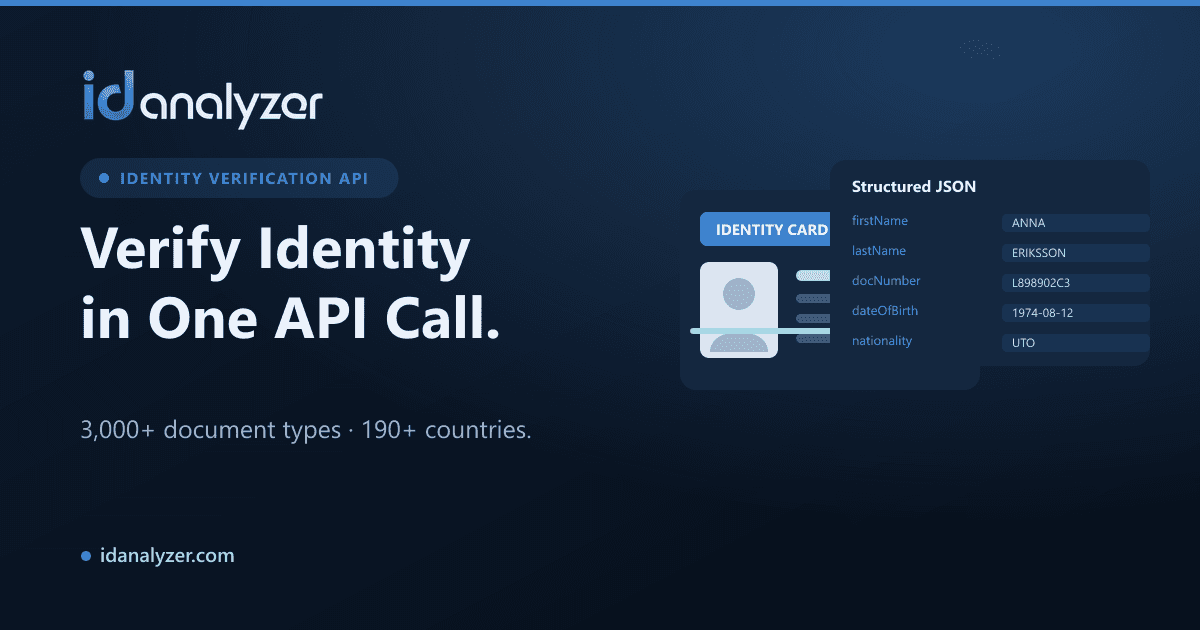
OCR reads the printed data on the passport using a camera image or scan. For passports, the key target is the Machine Readable Zone (MRZ) — the two lines of monospaced text at the bottom of the photo page.
The MRZ encodes the holder's name, document number, nationality, date of birth, sex, and expiry date, along with check digits that let you validate the data mathematically. Beyond the MRZ, OCR can also pull fields from the visual inspection zone (the human-readable part of the page).
Strengths of OCR
- Universal compatibility. Any camera or scanner can capture a passport image. No special hardware required.
- Broad coverage. OCR works across thousands of document formats and designs, including older passports without chips.
- Fast capture. Users simply photograph the page.
Limitations of OCR
- It reads what is printed, not what is authentic. OCR alone cannot prove the printed data has not been altered.
- Image quality matters. Glare, blur, and poor lighting degrade accuracy.
- No cryptographic guarantee. The data is only as trustworthy as the physical document in front of the camera.
To mitigate these gaps, OCR is usually paired with document authentication — fraud and anti-forgery checks that analyze fonts, layout, security features, and tampering signals.
How NFC Chip Reading Works
Most modern passports are ePassports containing an embedded NFC chip (indicated by the chip symbol on the cover). This chip stores a digital copy of the holder's data, including the photo, in a standardized structure defined by ICAO.
To read it, a device with an NFC reader (such as a smartphone) communicates with the chip after unlocking it using the Basic Access Control (BAC) or PACE key, which is derived from the MRZ. In other words, you typically OCR the MRZ first to generate the key, then read the chip.
Why NFC Offers Higher Assurance
The data on the chip is digitally signed by the issuing authority. This enables:
- Passive Authentication — verifying the signature proves the data genuinely originated from the issuing country and has not been tampered with.
- A clean, high-resolution face image straight from the chip, ideal for biometric matching.
- Structured, error-free data instead of character recognition that can misread a letter.
Note
NFC reading still depends on the MRZ. You generally need to scan the MRZ with OCR to derive the access key before the chip will unlock. The two methods complement each other rather than compete.
Limitations of NFC
- Hardware dependency. The user's device must have a working NFC reader, and the passport must contain a chip.
- Coverage gaps. Not every passport is an ePassport, especially older or some regional documents.
- User friction. Positioning the phone correctly over the chip can take a few attempts.
Side-by-Side Comparison
| Factor | OCR | NFC Chip Reading |
|---|---|---|
| Hardware needed | Camera | NFC-capable device |
| Data source | Printed page / MRZ | Signed chip data |
| Tamper detection | Via document authentication | Cryptographic signature |
| Document coverage | Very broad, including non-chip | ePassports only |
| Face image quality | Depends on capture | High-resolution from chip |
| User effort | Low | Moderate |
Which Should You Use?
The honest answer: use both where you can, and fall back gracefully where you cannot.
Recommended layered flow
- Capture the photo page and read the MRZ with OCR. This works for every passport and gives you the access key.
- Run document authentication to detect forgery, tampering, and manipulation signals on the physical document.
- Attempt NFC chip reading if the device supports it and the passport is an ePassport. Validate the chip signature for the strongest proof of authenticity.
- Match the face. Compare the passport photo (ideally the chip image) against a selfie with liveness detection to confirm the holder is present and real.
This layering means you never block users without NFC hardware, while giving you the option to escalate to cryptographic-grade assurance when conditions allow. It also catches different attack vectors: OCR plus authentication catches physical forgeries, NFC catches data tampering, and biometrics catch impersonation.
Don't forget screening
Once you have verified identity data, running it against AML, PEP, and criminal watchlists completes a compliant onboarding check. Verification confirms who someone is; screening tells you whether you can do business with them.
Building It Without Reinventing the Wheel
You don't need to implement ICAO parsing, MRZ check-digit logic, and signature validation from scratch. ID Analyzer supports OCR and MRZ/barcode reading across 3,000+ document formats from 190+ countries, document authentication, biometric face match, and liveness — all under an ISO 27001 certified platform, with on-premise deployment available through ID Fort.
Takeaways
- OCR is universal and fast but proves only what is printed.
- NFC chip reading adds a cryptographic guarantee of authenticity and a clean biometric image — but only for ePassports on NFC-capable devices.
- The two are partners: OCR unlocks the chip, and authentication plus biometrics round out the check.
- Design your flow to use NFC when available and degrade gracefully to OCR plus document authentication when it is not.