Document Selection
Customize the type of IDs to accept from 4000+ supported documents worldwide.


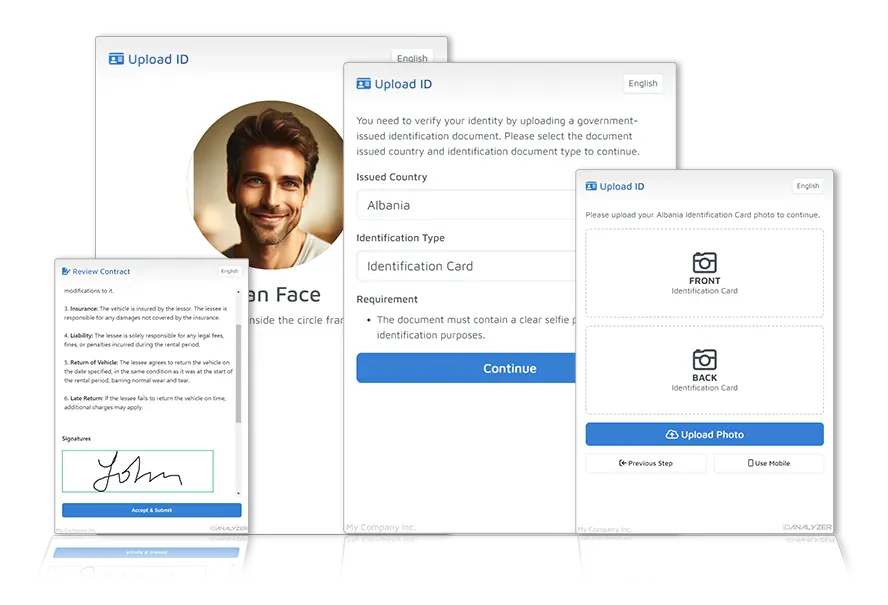
Responsive multilingual user interface ready to be implemented onto your platform
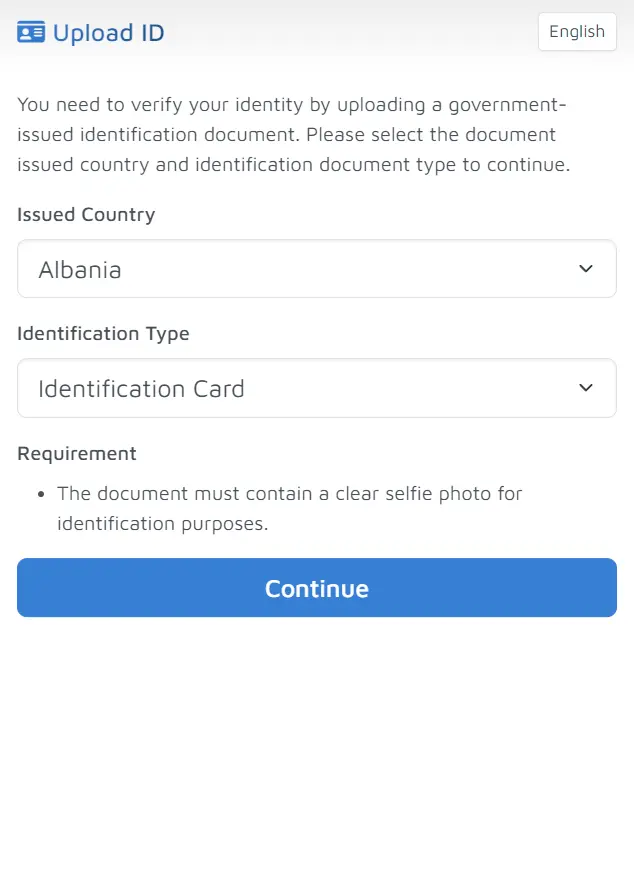
Customize the type of IDs to accept from 4000+ supported documents worldwide.
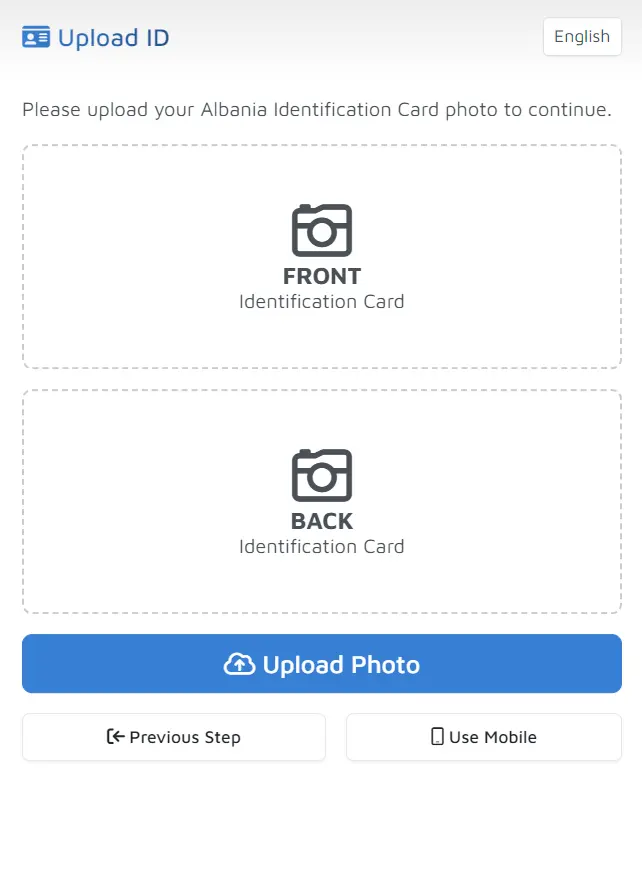
Upload ID photos or force user to take photo using their mobile camera.
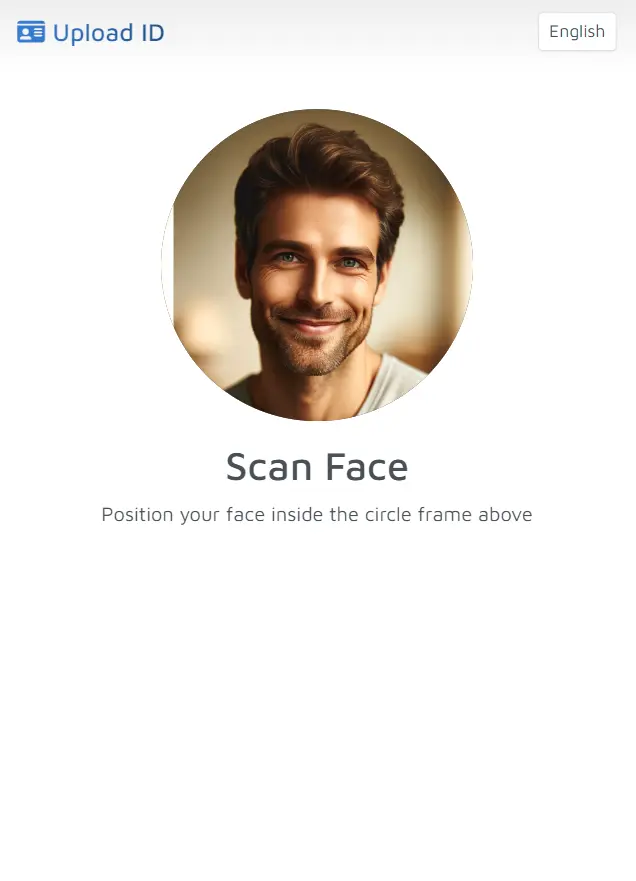
Facial expression and liveness check, cross-match with photo on uploaded ID.
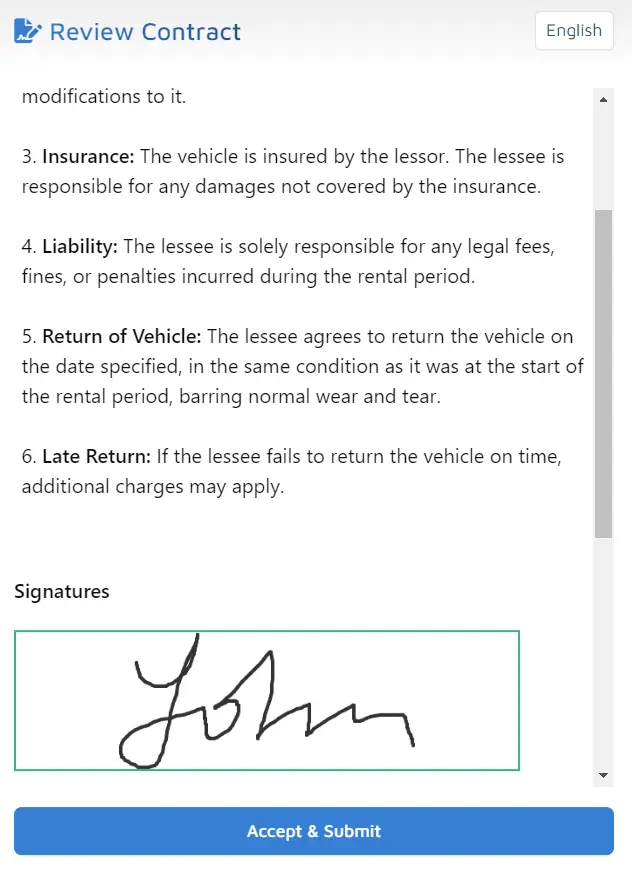
Generate contracts and obtain signatures from customers during KYC process.
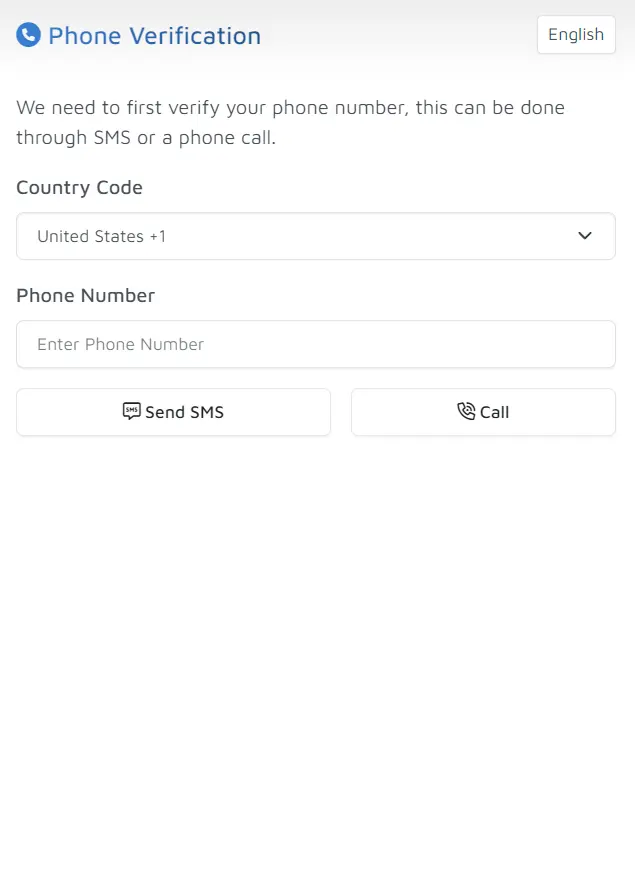
Builtin phone verification system to make sure customers have valid phone numbers.
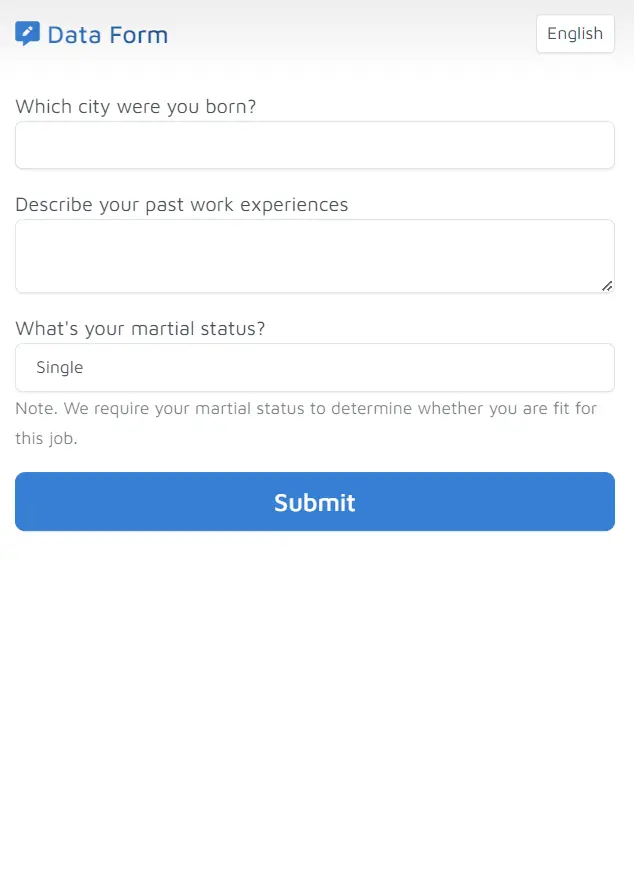
Customizable Q&A to collect information from customers.
DocuPass supports multiple implementations that fits in any application
All verification is performed on your website through a popup modal / lightbox.
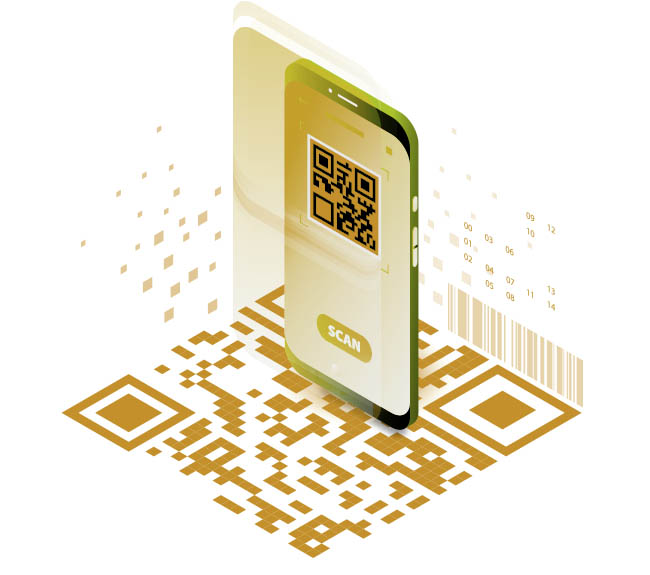
Display a QR code to your customer, scan code to start KYC verification.
Simply email or SMS your customer the verification link, DocuPass works in any browser.
Embed DocuPass inside your mobile app using WebView or Chromium.
Forensic AI models ensure the absolute authenticity of user-submitted documents, thwarting fraud attempts.
Advanced facial recognition and liveness technologies provide an unyielding additional layer of identity confirmation.
Your sensitive information is shielded by industry-leading encryption protocols throughout its entire lifecycle.
DocuPass remains vigilant through routine security audits and penetration testing, safeguarding against evolving threats.
Our web app leverages cutting-edge technologies to deliver an exceptional level of protection for your business and your clients. Features like biometric authentication, real-time document verification, and ongoing threat monitoring provide a multi-layered defense against fraudulent activity.
Choose DocuPass and streamline your KYC procedures with confidence, knowing your data is in the most secure hands. Your customers will appreciate the added security and streamlined experience.
Experience the capabilities of DocuPass right in your browser.
If you find integrating with ID Analyzer's Identity Verification API a tedious process, DocuPass is your next go-to KYC solution.
Generate a new DocuPass verification session through the REST API or directly from the web portal. Configure which verification steps to include such as document scan, face check, eSignature, and custom forms.
Send the unique DocuPass URL to your customer via email, SMS, QR code, or embed it directly into your website or mobile app as an iframe widget.
Your customer opens the link and follows the guided steps to upload their identity document and take a live selfie photo for biometric matching.
Our AI engine analyzes the submitted document for authenticity, extracts personal data via OCR, and performs facial recognition to match the selfie against the ID photo.
Get real-time results delivered to your server via webhook callback, or review them anytime through the web portal and Transaction Vault.
DocuPass is a no-code identity verification solution that lets you add KYC (Know Your Customer) verification to your website or app without writing complex integration code. It provides a pre-built, customizable verification flow including document scanning, face verification, eSignature collection, and phone verification — all accessible through an embeddable widget, hosted page, QR code, or direct URL.
Embedding DocuPass takes just a few lines of code. You can integrate it as an iframe widget on your webpage, redirect users to a hosted verification page, generate a QR code for mobile scanning, or share a direct URL link. Our API returns a session URL that you embed however works best for your user flow.
DocuPass supports over 70 languages for its user interface, making it suitable for global deployment. The verification engine supports documents from 200+ countries in their native languages, and the interface language can be set dynamically for each verification session based on your user's preference.
Yes, DocuPass is highly customizable. You can enable or disable specific steps (document scan, face verification, eSignature, phone verification, custom forms), set your own branding and colors, configure which document types to accept, set verification rules, and add custom data collection fields — all through the API or web portal settings.
Building a custom KYC flow from scratch typically requires months of development, ongoing maintenance, and expertise in document processing, biometrics, and compliance. DocuPass provides all of this out of the box, letting you launch identity verification in minutes instead of months, while still offering full customization through the API.
DocuPass is built on ID Analyzer's ISO 27001 certified infrastructure. All data is transmitted over encrypted connections, and verification data can be automatically purged after processing. DocuPass helps you meet compliance requirements for KYC, AML, GDPR, and HIPAA through its configurable data handling policies.